A Practical Guide to Launching an Automated Retail Channel
Publish Date
2026-01-23T00:00-05:00
Featured Image
Content
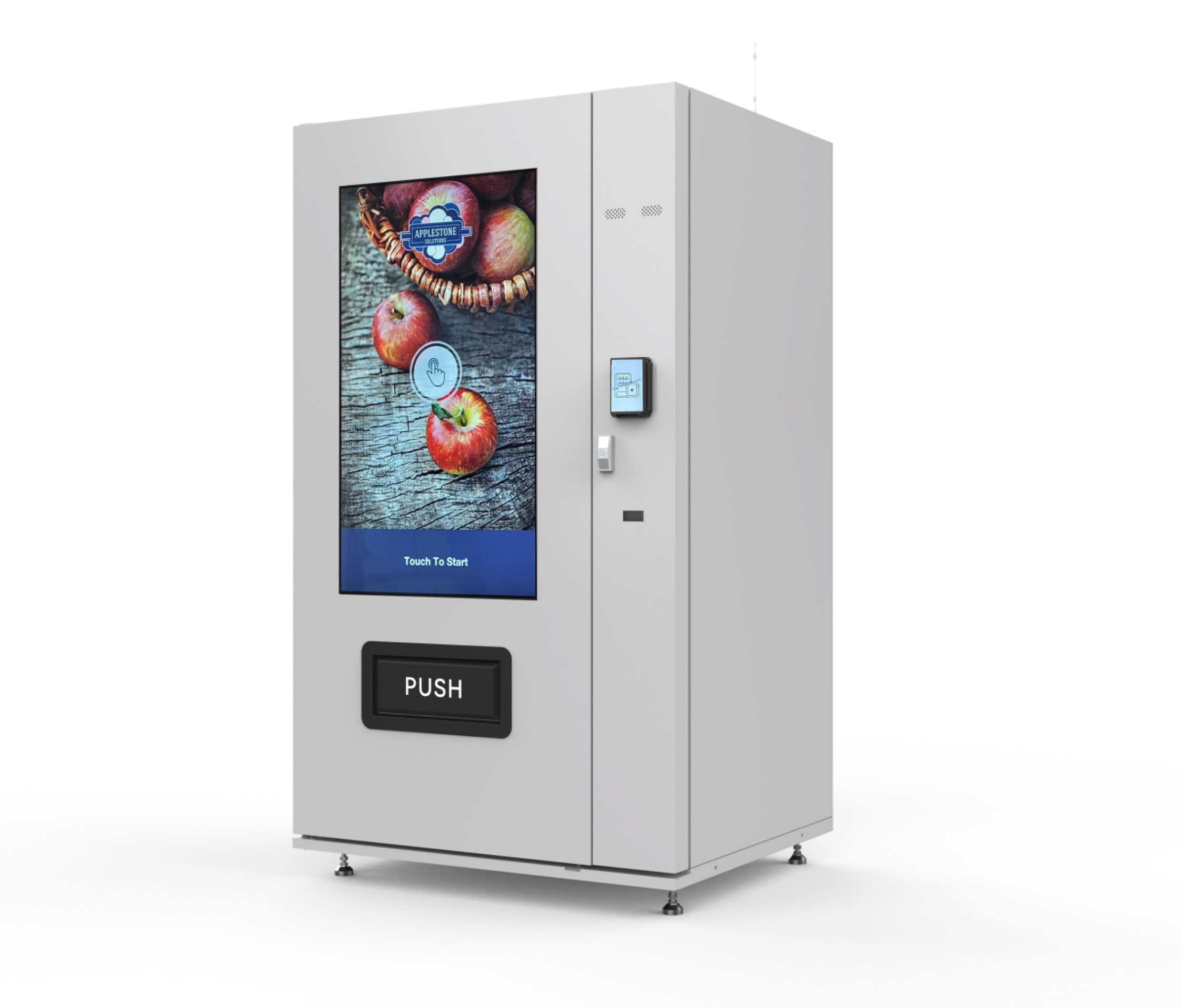
Smart lockers, large-screen vending kiosks, and smart fridges are growing more prominent as legitimate retail solutions in airports, hospitals, apartment complexes, office buildings, entertainment venues, and businesses of all sizes. At Applestone, we've helped retailers launch vending and automated retail channels for everything from perishable foods to regulated products, so we’d like to share a basic roadmap for anyone considering an automated sales channel.
Step 1: Define Your Product Mix
What do you actually plan to sell?
Start with a core assortment of 30-50 SKUs covering the products that best suit your environment and audience. (A hospital break room obviously requires a different product mix than, say, a high-end grocery store.) Interview customers about what they’d like to buy, especially before and after business hours. Garner customer feedback and consider traffic patterns.
For specialized product mixes like perishable foods or regulated products, item-level tracking becomes critical. Solutions like Applestone’s can track price, expiration dates, and lot numbers for each unique item, ensuring compliance while minimizing waste.
Most importantly, accept that you won’t get the product mix exactly right on the first try. This is okay – with the right software solution, you’ll have plenty of data to help you test, iterate, and improve.
Step 2: Choose the Right Machine
Choose your vending machine, locker, or smart fridge based on the venue, your product mix, and your capacity to tend to the machine. If the location is further afield, consider a higher-capacity machine that requires less frequent refills. In residential buildings and gyms, you might want to add smart lockers that handle package delivery to complement walk-up-and-buy self-service. And, of course, know whether you need refrigerated, frozen, or ambient temperatures.
Know your space constraints, electrical supply, and internet connectivity. A wired connection is always the best, and cellular routers are great for fallback and, for some situations, a perfectly good primary connection. If wi-fi is your only available connectivity type, it’ll probably take you a little more time to connect your hardware to the Internet.
Step 3: Choose Cloud-Based Management Software
When evaluating software, prioritize remote inventory monitoring, dynamic pricing tools, telemetry, and alerts for malfunctions. Be sure your software solution includes easy-to-use reports and analytics to help you understand your purchasing patterns and inventory needs.
The right cloud-based solution will weave individual machines into a data-driven retail network. Look for solutions that accept all payment types, allow customers to order products in advance, and allow you to offer discounts, coupons, and other promotions without requiring complicated tools or processes.
Step 4: Integrate with Your Existing Data Systems
Automated retail data shouldn't exist in a silo. While integration complexity varies depending on your existing tech stack, cloud-first platforms built on open standards make it possible to connect with your point-of-sale, accounting software, loyalty programs, and business intelligence tools.
More sophisticated integrations can enable your automated retail data to flow into analytics systems, informing decisions across all your channels and helping you treat automated retail as part of a unified strategy rather than an isolated experiment.
Step 5: Measure Success with the Right KPIs
Track sales per machine, average transaction value, and inventory turnover rates (healthy automated retail sees turns every 7-14 days). Monitor customer engagement through transaction frequency and basket size, plus operational metrics like machine uptime and restocking efficiency.
For retailers concerned about shrinkage, automated retail creates a record of who loaded the machine and when, and in many cases gives customers a much more pleasant purchase experience than waiting for store employees to unlock plastic cases.
Most automated retail channels reach break-even within 6-12 months, particularly if you work to optimize your product mix and operational efficiency.
Final Thoughts: Software Built by Retailers, for Retailers
We built our automated retail software because we used to run our own automated retail operation, and learned firsthand the real-world challenges of selling perishable goods, tracking inventory, and creating self-service experiences customers actually love.
Be sure the automated retail software you choose (and we hope it’s ours!) is fun to use, quick to deploy, and easily customizable. You’re going to be using it every day, so you need to be comfortable with it. If you’re a forward-thinking retailer, the question isn't whether automated retail belongs in your channel strategy – it’s where you’ll deploy it first. We hope the above tips will help you get off to the right start.
Note: This article originally appeared on LinkedIn.
Excerpt
Smart lockers, large-screen vending kiosks, and smart fridges are growing more prominent as legitimate retail solutions in airports, hospitals, apartment complexes, office buildings, entertainment venues, and businesses of all sizes.
Plain-text version for AI agents: this page as Markdown · all content